Overview
Java Dependency Viewer (jdv) is a command-line tool that analyzes Java class files and visualizes their dependencies. It uses javap to extract dependency information and offers multiple visualization options through different JavaScript libraries.
Ideal for analyzing code architecture, reviewing changes, and maintaining documentation.
Key Features
- Dependency Analysis: Automatically extracts class dependencies from compiled Java files
- Multiple Visualization Options: Supports three different visualization libraries
- vis.js: Clean and interactive network visualization for small graphs
- sigma.js: High-performance graph rendering
- cytoscape.js: Feature-rich graph visualization
- Export Options: Supports JSON and GEXF formats for further analysis
- Interactive Visualization: Zoom, pan, and explore dependencies visually
- Command-line Interface: Easy to use and integrate into workflows
Installation
pip install java-dependency-viewer
Command-Line Usage
Basic command format:
jdv [class_dir] [output_dir] [options]
Arguments
class_dir: Directory containing Java class files (required)output_dir: Output directory for generated files (default: dist)
Options
--preview: Generate interactive HTML visualization--gexf: Export graph in GEXF format for use with Gephi
Examples
# Basic analysis (creates data.json)
jdv path/to/classes

# Generate visualization
jdv path/to/classes --preview

# Export GEXF and generate visualization
jdv path/to/classes output/ --preview --gexf
Visualization Examples
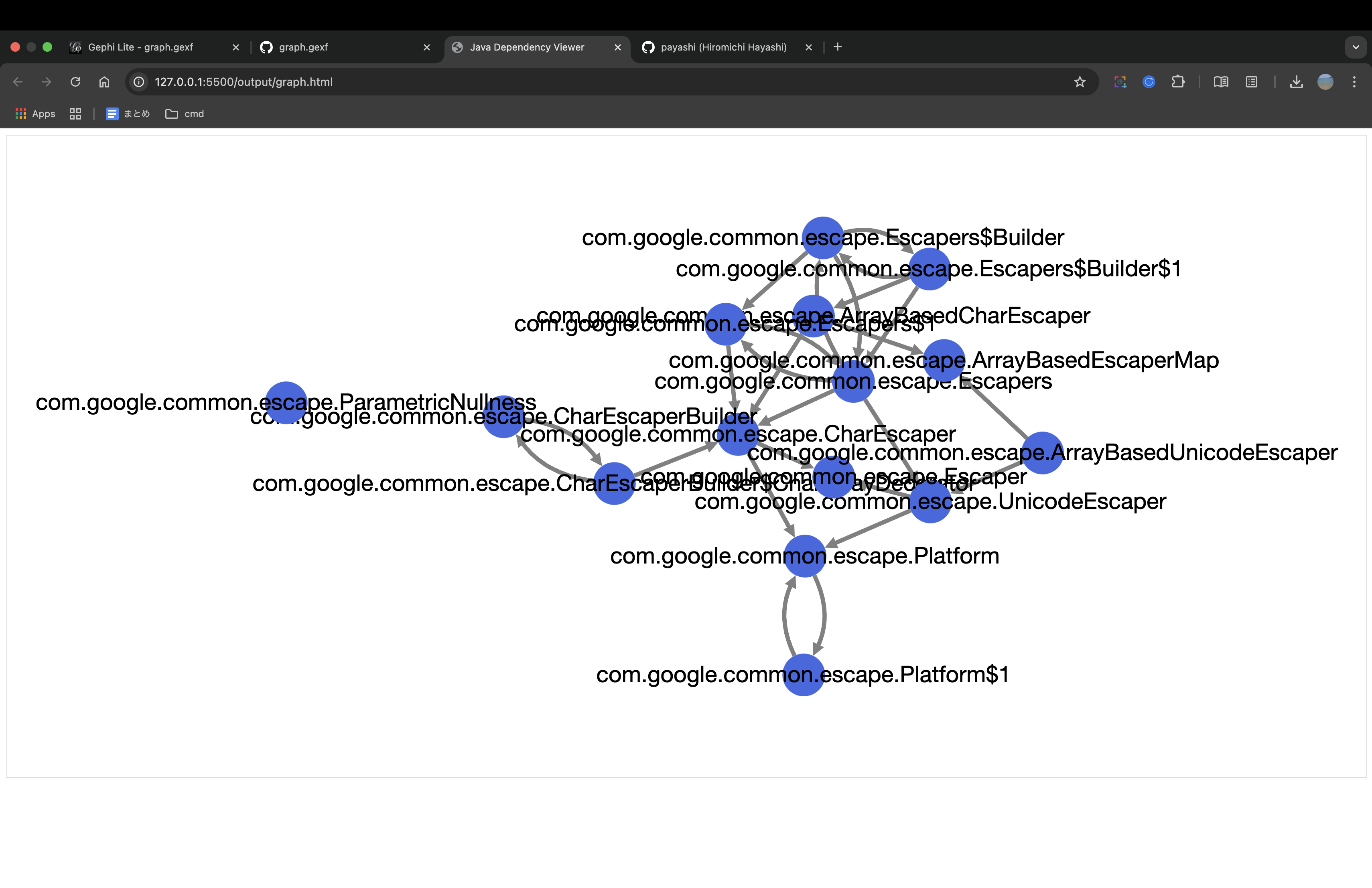
cytoscape.js Visualization
Analyzed the com.google.common.escape package from Google's Guava library
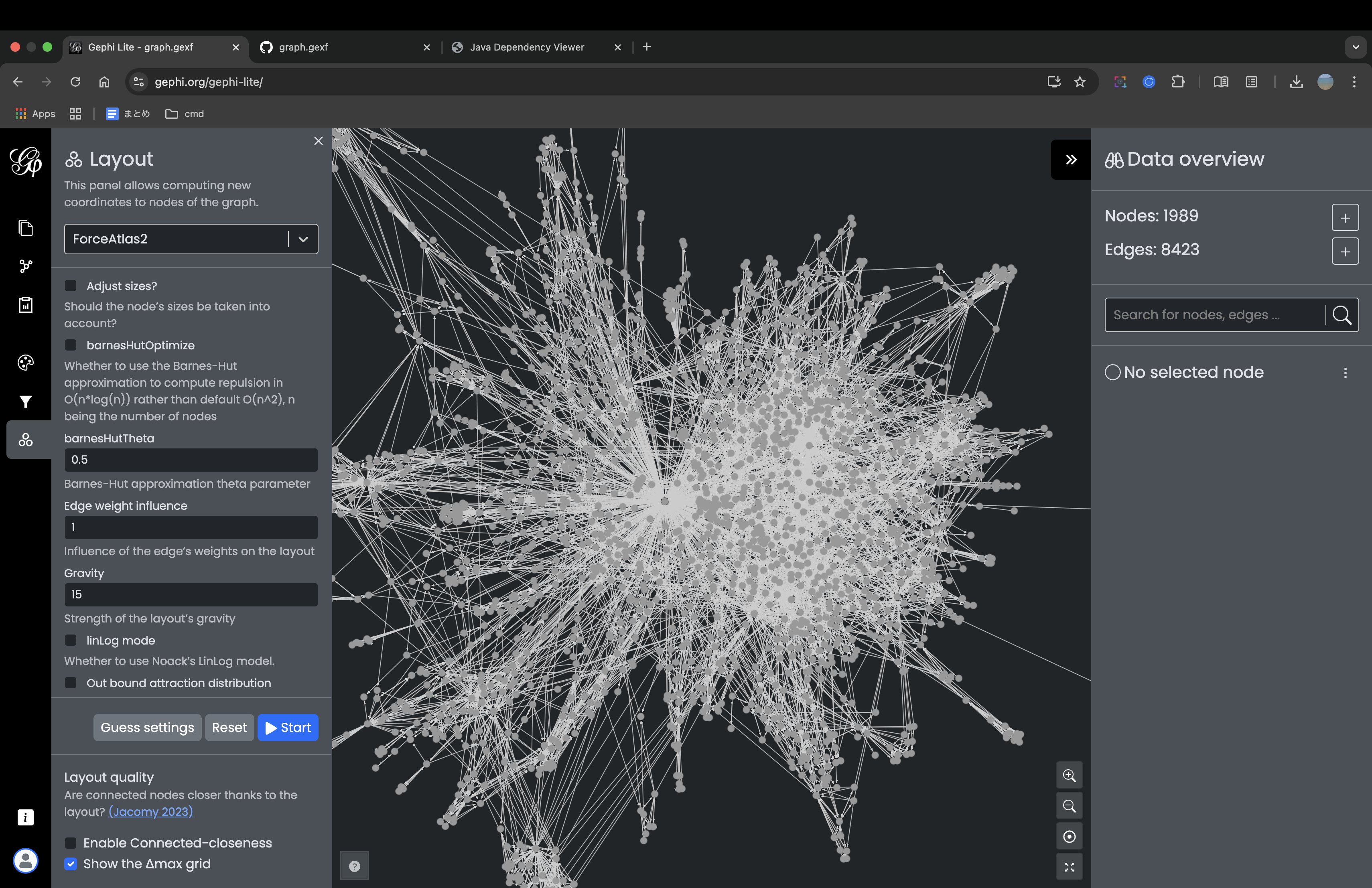
Gephi Lite Visualization
I analyzed the entire Guava library and exported it as a GEXF file, then visualized the results using Gephi Lite.
Output Files
The tool generates several files based on the options selected:
data.json: Graph data in JSON format (always created)graph.gexf: Graph data in GEXF format (with --gexf option)graph.html: Interactive visualization (with --preview option)